What is the purpose of this tutorial?
Help marketers with limited or no programming skills to work with APIs to automate workflows and improve reporting. Although working with APIs might sounds challenging, it’s not that complicated once you understand the process and terminology.
What is the SEO Review Tools API and what can you do with it?
When you need more SEO data (backlinks, website traffic, keywords, etc. ) then you can get using our free tools our SEO API might be an interesting solution for you.
Do you know our pre-programmed Google Spreadsheets?
How does the SEO Review Tools API work?
The API makes it possible to get large amounts of SEO data and to automate your workflow. Here are some examples of what you can do with our API:
- Get the website traffic estimates for a list of 1K websites.
- Get all the backlinks pointing to a domain, including authority, spam score, anchor text and more..
- Get a list of recommended keywords, including search volume, difficulty and average number of backlinks found in the SERP.
- Get the Domain and Page authority for a list of 1K websites.
- Get all the information from the SERP, including rankings, featured snippets, people also ask and more..
- Get the SEO score for and URL or unpublished article.
- Discover all API endpoints →
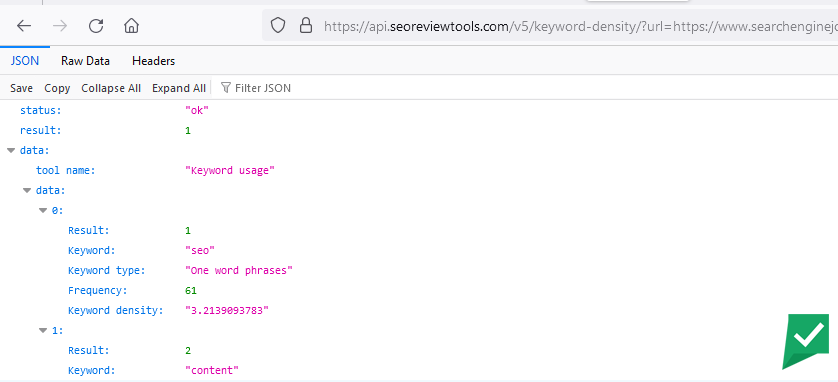
To get this information you have to call an URL that contains the information about the metrics you want to collect. Let’s look at an example to further explain how this works.


This picture illustrates how you can construct your API request / the URL containing the variables). By entering the variables (keyword, country and language), you’ll let the server know what you are looking for.
The server will answer your request in JSON format. This basically is a way to structure content, that makes it easily understandable for applications.
Tip: you can try this also manually in your browser and when using Firefox the results will be presented in a readable structure for humans.

What is Postman?

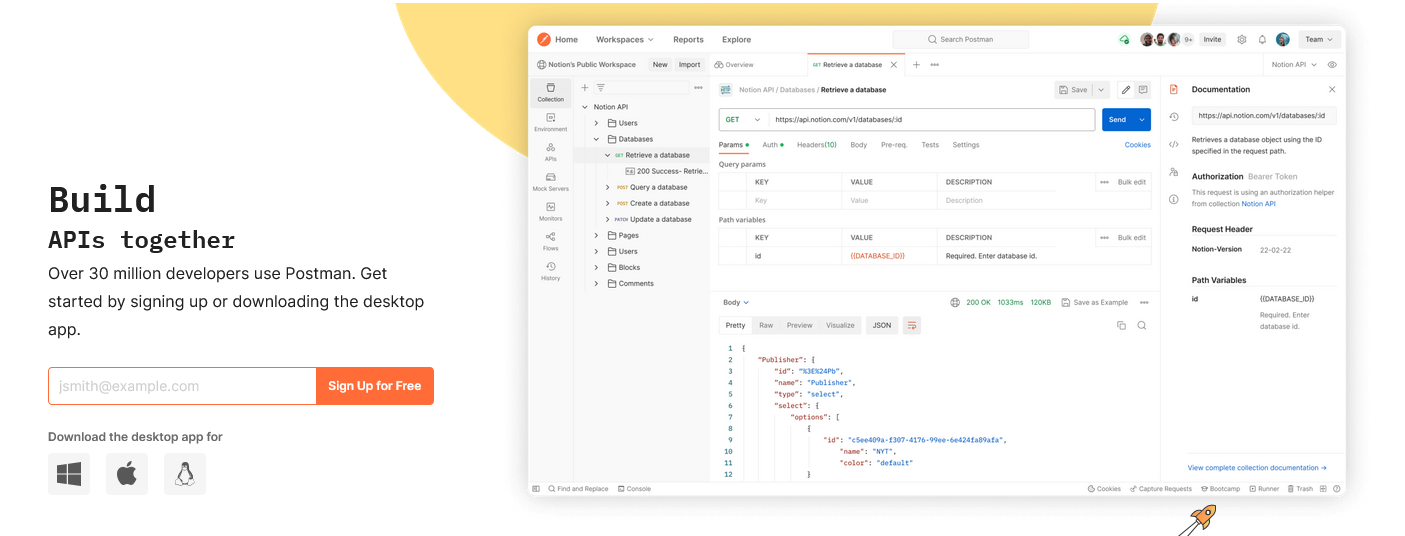
Postman is an API platform that enables users to easily use APIs without needing to write code. With its intuitive interface, users can send requests, receive responses, and test API functionality quickly and efficiently. Additionally, Postman allows users to organize their API collections and share them with others team members to collaborate on API development projects
How to use the SEO Review Tools API with Postman?
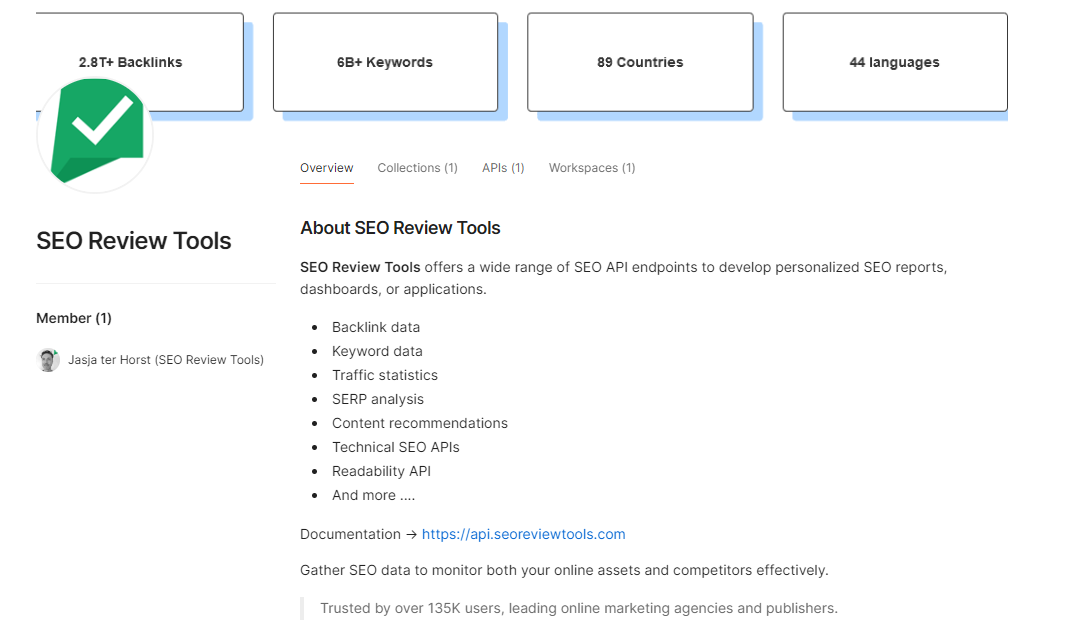
To make it easier to work with our SEO API service we’ve create multiple examples in Postman for you to use. The examples include all the parameters and endpoints you need to collect: Backlinks, Keywords, Website traffic, SERP analysis, Authority scores, and Content optimization.
To use Postman with the SEO Review Tools API, follow these steps:
- Sign Up for the SEO Review Tools API → sign up for an account and obtain your API key.
- Go to our SEO API workspace in Postman.
- Sign Up for Postman (its free).
- Browse the different API request and response examples.


- Select the Request / data that you need
- Enter your private API key

- Click the “Send” button or select “Send and download”


You’ve now successfully made your API call!!
For further analysis or reporting you can open the response in Excel, Google spreadsheets (you’ll have to install a JSON import app), Google looker studio or store the results in a database with for example Zapier.
























 Get the new Chrome Extension!
 Chrome extension