Automated FAQ creator.
The FAQ generator is designed to quickly discover frequent asked questions that are directly related to your topic / subject. Answers the questions to improve user experience, reduce customer service load and optimize for the “People Also Ask” section in Google search.


How does the Meta Description Generator work?
- Enter your subject, a brief description or a question as input.
- Select your preferred output language.
- Hit the “Start creating content” button.
- And the FAQ Generator will automatically generate 15 FAQs + answers for you to choose from.
How does Google use FAQs in search?
Here are some examples that show you how Google displays related questions to.


It’s estimated that Google includes People Also Ask (PAA) questions in more than 80% of the English searches. And in most case the PAA sections appear on the first page of the SERP. Being featured in the PAA section means you’re potentially increasing visibility for your brand. When users click the question the answer appears including a link referencing the source of the answer.
Where to use FAQs?
Below are some key areas where FAQs can be used to provide value to your audience and reduce friction in the customer journey.
- Product Pages – Address common pre-purchase questions to reduce hesitation and increase conversions.
- Service Pages – Explain services clearly, highlight benefits, and address potential customer concerns.
- Blog Posts – Provide additional context, answer related questions, and improve SEO with long-tail keywords.
- Homepage – Offer quick insights about your business and key offerings.
- Landing Pages – Address objections and build trust to improve lead generation.
- Help & Support Pages – Reduce customer support inquiries by answering frequent troubleshooting questions.
- Contact Page – Provide answers to common queries before users reach out directly.
Creating FAQs is an effective way of adding helpful content to a page by anticipating and addressing user questions by providing valuable information that can improve both user experience and search engine visibility.
Manually creating FAQs
When you’re interested in keeping full control, you can use the FAQ Generator just for inspiration, analyse the SERP for your specific topic or search Reddit for common questions.

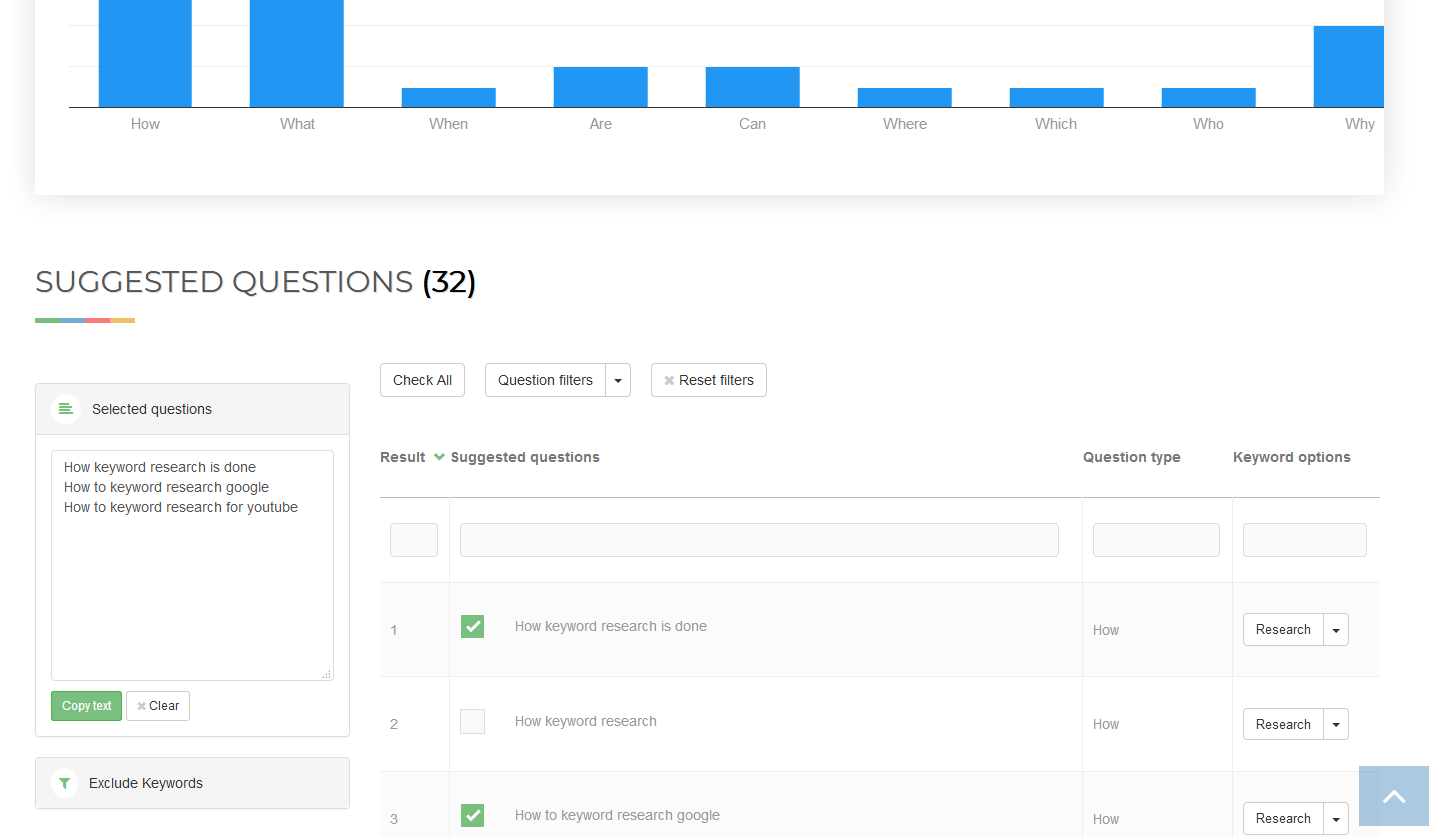
TIP: Use our Question generator → to automatically extract common questions from search.
The benefits of using this AI powered tool
- Saves Time
- Improve User Experience
- Scales Easily
- Be consistent
Tip: learn → How to optimize AI content for seo


































 Get the new Chrome Extension!
 Chrome extension