Check page headings, with the HTML Headings tool.
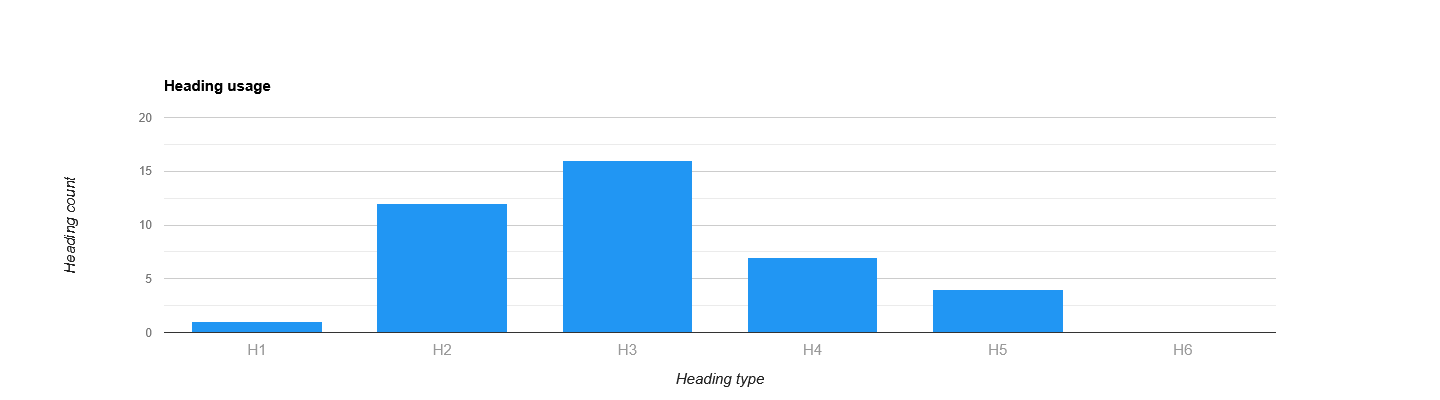
Headings are used to structure the textual content of a web page and are an important on-page factor for both SEO and AI retrieval. The most important heading is the H1 heading followed by the H2 and H3. There are six levels of headings available from H1 to H6. The H1 heading should contain the main subject of a page. To make sure bots and crawlers are correctly interpreting your content it’s recommended to use just a single H1 tag per page.

Automation TIP: Analyse headings using our API end-point →
How to use Headings?
Use headings to create a logical hierarchy focussed on the content reader. Use a single H1 to define the primary topic and H2 headings for sub-topics or subsections. H3 – H6 headings can be used to provide additional structure for more complex topics and subsections. To optimize content visibility and accessibility, headings should be descriptive, keyword-rich, and, where appropriate, question-based. This will improve:
- Readability and Scanning (Users)
- Accessibility for search engine crawlers (Google, Bing, …)
- AI answers and citations (ChatGPT, Google Overviews, Gemini, …)
HTML markup example
<h1>Page title</h1>
Why are headings important for SEO?
Headings are important for SEO because they structure content, making it easy for search engines to understand the page’s topic, hierarchy, and relevance. This helps search engines analyze the content’s relevance to specific queries.
Why are headings important for AI visibility?
Headings are weighted more heavily than body text in: Search engine indexing, Semantic embeddings and AI-based answer generation. To improve AI visibility (LLM citations, AI answers, semantic retrieval) for your content, a clear heading structure is key.



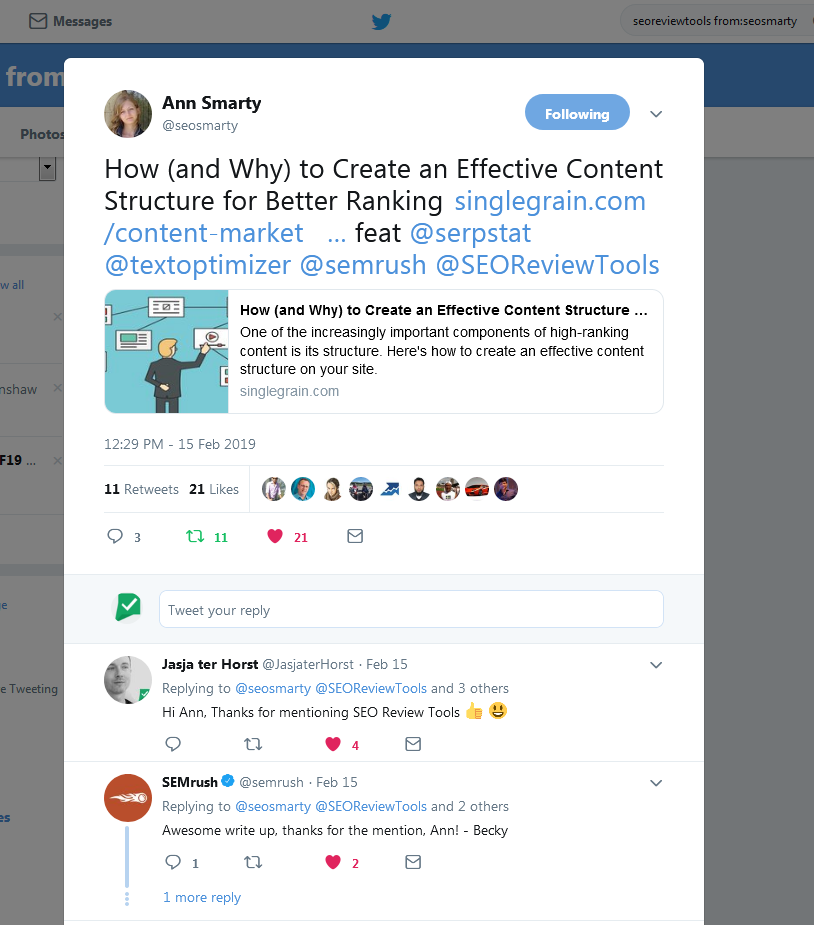
Ann Smarty featured this tool as part of her blog post: How (and Why) to Create an Effective Content Structure for Better Ranking
“To quickly see your (or your competitor’s) on-page subheads, use this handy tool which extracts HTML headings from any web page. …extract subheadings from any page and read through them to make sure they make sense even without the full context, flow well and provide a good outline of your on-page content.” Ann Smarty — Internet Marketing Ninjas

Recommended: use AI to create a list of 25 different headline options that are sure to captivate your audience. Headline generator →

































 Get the new Chrome Extension!
 Chrome extension

Updates
Hello. I really enjoy using your tools, especially comparing the UI to other tools online.
One issue I have is the error I sometimes see “You’ve reached your credit limit for today, see you again tomorrow…”. I appreciate you’ve set limits to prevent users from excessively checking, but what are these limits (the option to Check My Usage doesn’t work)?
I feel I’ve hit the limit very quickly today (I’m tweaking a couple of pages, then re-checking the pages using your tools). I might have checked the same domain ~30 times today.
Would it be better to set the limit to unregistered users?
Thanks,
Chris
Hi Chris,
The limit for this tool is 20 credits /p day. I like your suggestion, and I’ll see what I can do to give extended limits for registered users.
Thanks for the feedback.
Jasja
Thanks for accurately analysing my site. this is exactly what i needed.